Create a custom user role
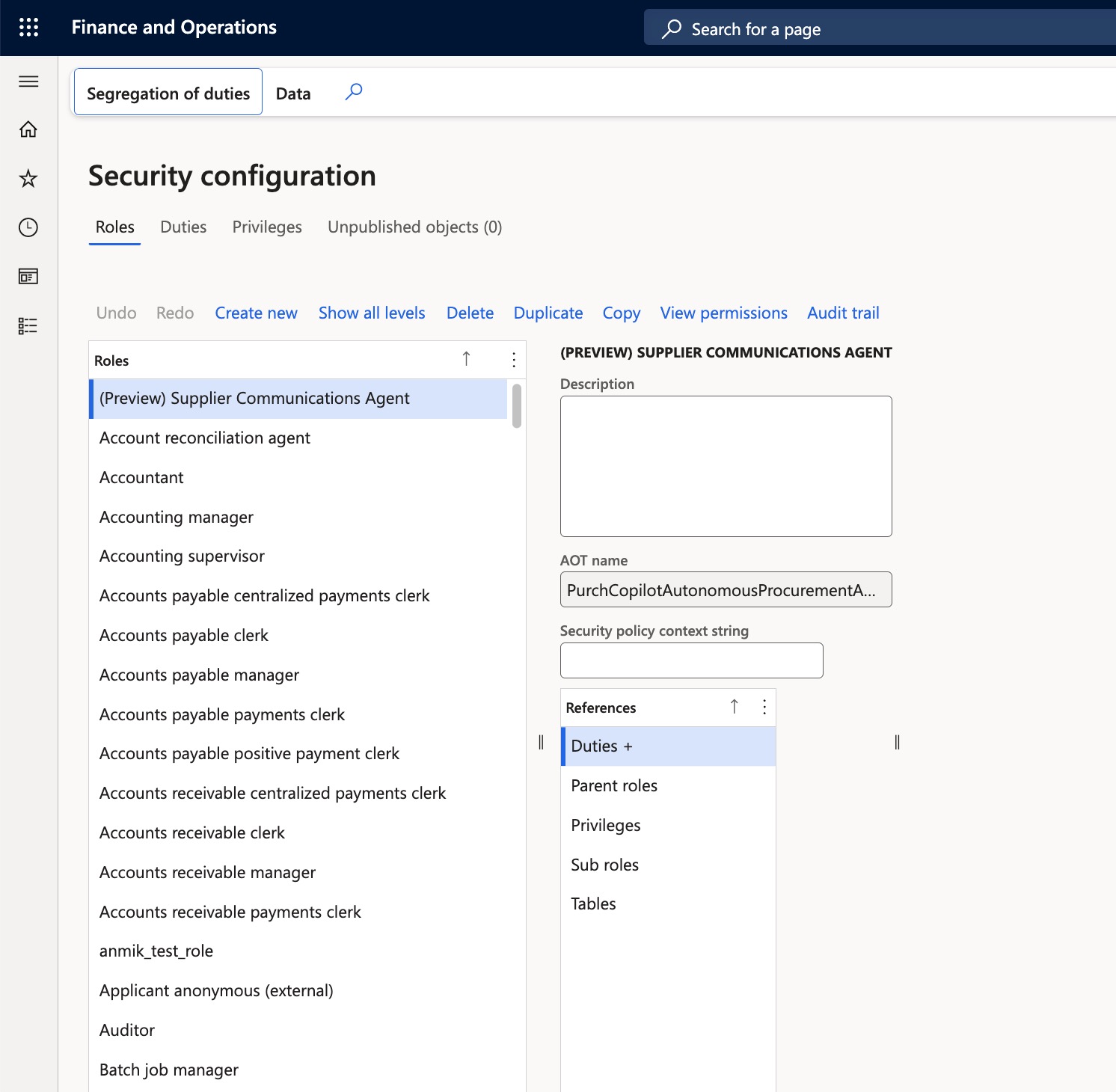
The user roles to access the Outbridge are available in the Security configuration. As an administrator, you can create new, customized user roles and assign relevant duties, privileges, and permissions to ensure secure and efficient access management within the solution.
To create a new role for a user:
- In the Finance and Operations section, expand Modules and select System administration.
- Under the Security section, select Security configuration.
- On the displayed page, select Create new.
- Provide a name for your role and select OK.
- Go to the Unpublished objects tab.
- Find your role and then select Publish selection.