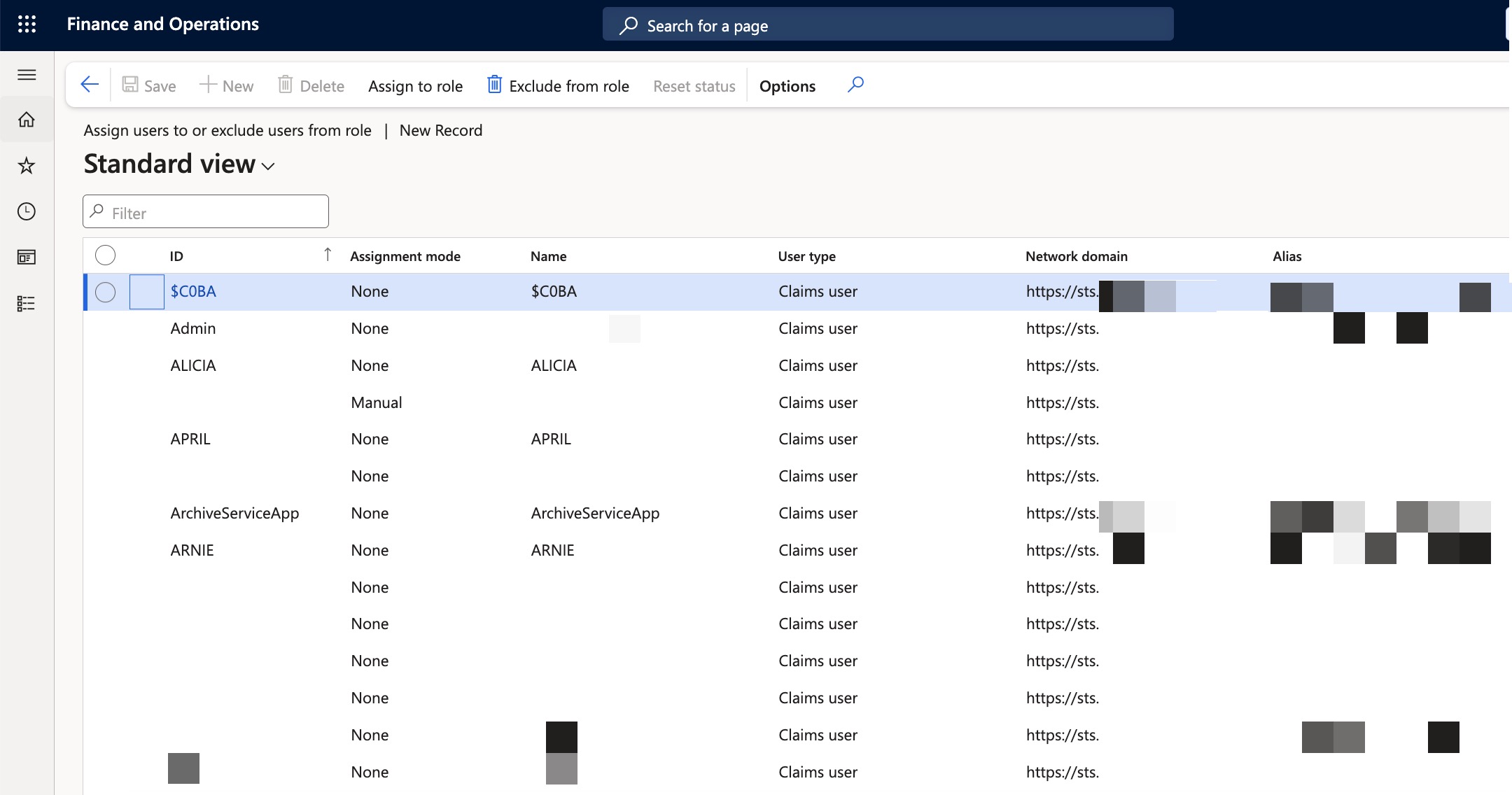
Assign roles to a user
As an administrator, you can assign a role to users to grant them access to and allow them to manage the Outbridge solution.
To assign a role to a user:
- In the Finance and Operations section, expand Modules and select System administration.
- Under the Security section, select Assign users to roles.
- From the list of created roles, choose the necessary one.
- Under the Users assigned to role section, select Manually assign.
- From the displayed list of users, select the necessary user.
- Select Assign to role.
- Select Save.