User roles, access, and permissions
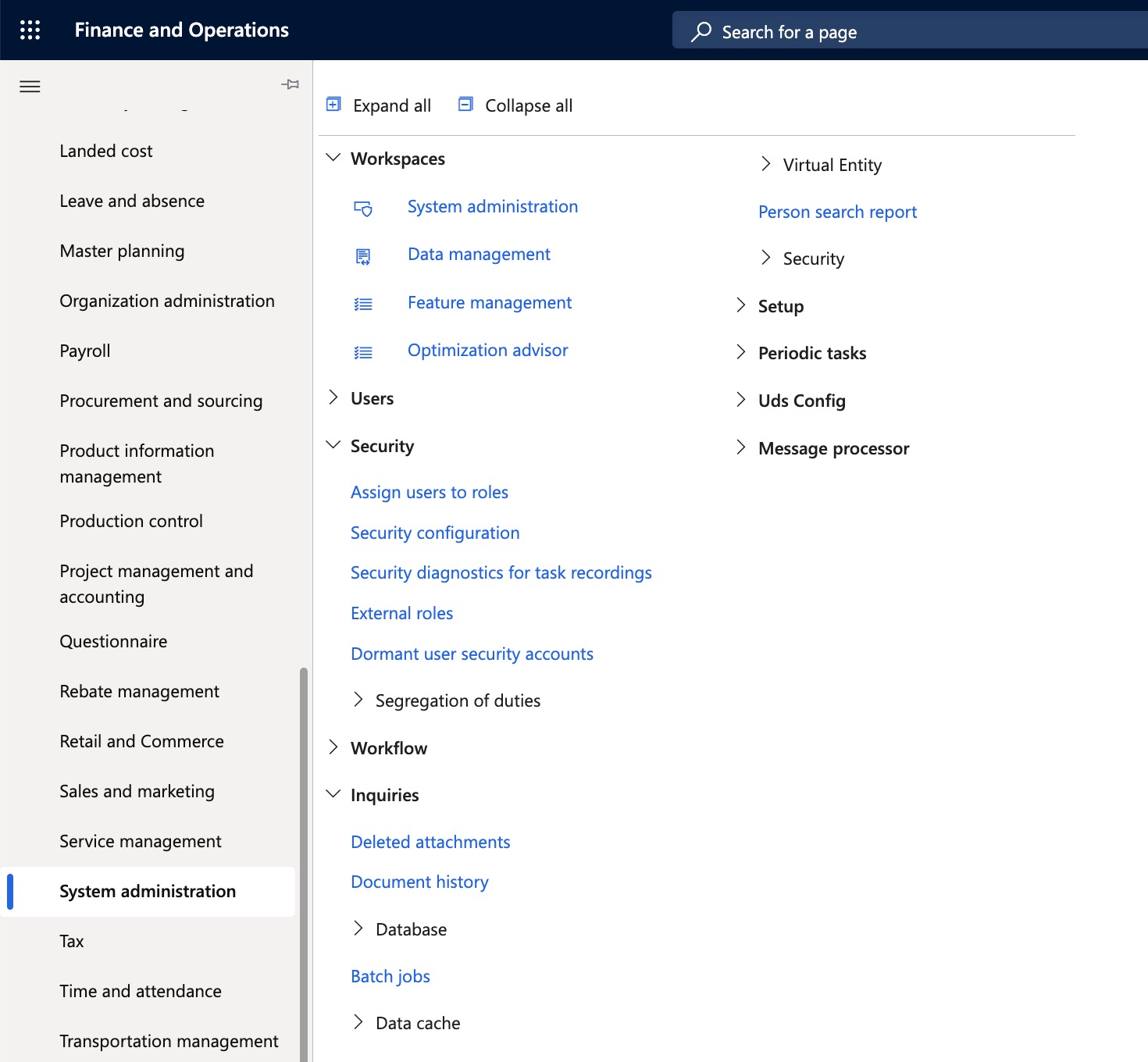
The System administration module in Finance and Operations provides a centralized dashboard for administrators to manage user access and control permissions related to the Outbridge solution.
The module provides the following capabilities:
- User role assignment—Assign users to predefined roles:
- Outbridge maintain—Grants full access to create, modify, and manage Outbridge entities and processes.
- Outbridge view—Provides read-only access to view Outbridge logs and data without the ability to make changes.
- Permission management—Ensure appropriate access control by assigning roles based on user responsibilities, supporting security and compliance best practices.
- Centralized control—Manage all Outbridge-related permissions from a single administrative panel, reducing complexity and improving oversight.
Monitoring access #
Both roles include the View Outbridge operational metrics privilege, which gives access to the Outbridge operations workspace, run history, the execution log, and incidents.
Acknowledging an incident and maintaining alert rules are maintain-level actions. A user who only needs to watch integrations, not change them, should be given Outbridge view.
Configuration keys #
Menu items, forms, and data entities are gated by three configuration keys. Disabling a key hides the whole branch it covers, for every user, regardless of role. The keys are maintained in System administration > Setup > Licensing > License configuration.
| Configuration key | Covers |
|---|---|
| Outbridge – Basic | The Outbridge module as a whole—workspaces, inquiries, and setup. |
| Outbridge – Standard | File based integration: data ports, port groups, definition groups, and the file configuration import and export commands. |
| Outbridge – Enterprise | API integration: API collections and API sequences. |
If a form or menu item is missing for every user including administrators, check the configuration keys before reviewing role assignments.
Service accounts #
An application that calls Outbridge through OData—to start a port or acknowledge an incident—authenticates as a Finance and Operations user and needs a role carrying the corresponding Outbridge privileges. See Run ports and port groups from OData.